
ਵੇਰਵਾ
The parallax effect is a modern web design technique where the background element scrolls slower than the foreground content. The parallax effect can be used on landing pages, long-form content, sales pages, or the homepage of a business website. It is a great way to highlight different sections on a lengthy page.
You can easily create a parallax section with this plugin.
Features
- Easy to use
- It does not require much technical knowledge to use
- It is lightweight because it relies on JavaScript
How to use
- First, install the Parallax Section plugin
- Add the Parallax Section block from the block category called “Widgets” in the Gutenberg editor.
- You can change block settings from the right-side settings sidebar.
-
Enjoy!
-
For installation help click on Installation Tab
Feedback
- Did you like this plugin? Dislike it? Do you have a feature request? Please share your feedback with us
⭐ Check out the Parent Plugin of this plugin-
🔥 b Blocks – Best gutenberg blocks collections for WordPress.
⭐ Check out our other WordPress Plugins-
🔥 Html5 Audio Player – Play .mp3, .wav, and .ogg audio files in WordPress.
🔥 Html5 Video Player – Best video player plugin for WordPress.
🔥 PDF Poster – A fully-featured PDF Viewer Plugin for WordPress.
🔥 Document Embedder – Embed Word, Excel, PowerPoint, Apple Pages, Psd, Pdf and more.
🔥 3D Viewer – Display interactive 3D models on the webs.
🔥 Advanced Post Block – Display your Posts, Custom Post Content and Blogs in a professional way!
ਸਕਰੀਨਸ਼ਾਟ
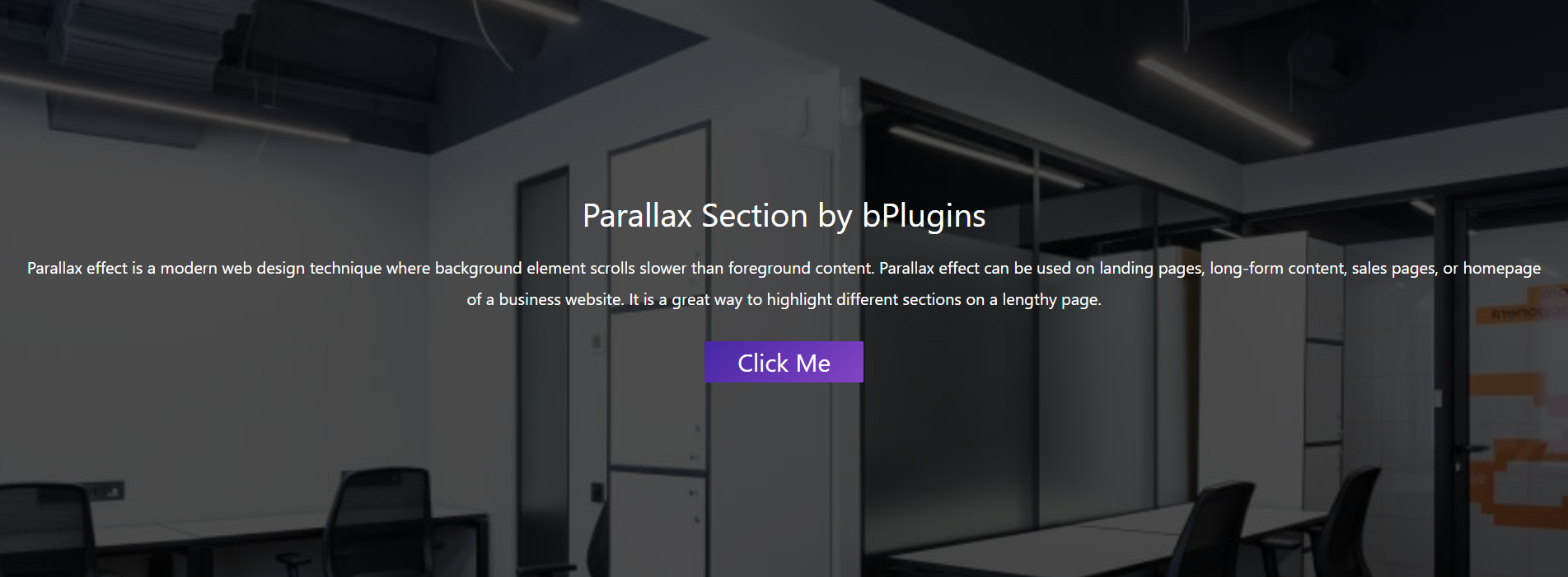
Parallax Section 
Parallax Settings
ਬਲਾਕ
This plugin provides 1 block.
- Parallax Section Parallax scrolling effects in section.
ਸਥਾਪਤੀਕਰਨ
From Gutenberg Editor:
- Go to the WordPress Block/Gutenberg Editor
- Search For Parallax Section
- Click on the Parallax Section block to add the block
Download & Upload:
- Download the Parallax Section plugin (.zip file)
- In your admin area, go to the Plugins menu and click on Add New
- Click on Upload Plugin and choose the
parallax-section.zipfile and click on Install Now - Activate the plugin and Enjoy!
Manually:
- Download and upload the Parallax Section plugin to the
/wp-content/plugins/directory - Activate the plugin through the Plugins menu in WordPress
ਅਕਸਰ ਪੁੱਛੇ ਜਾਂਦੇ ਸਵਾਲ
-
Is Parallax Section free?
-
Yes, Parallax Section is a free Gutenberg block plugin.
-
Does it work with any WordPress theme?
-
Yes, it will work with any standard WordPress theme.
-
Can I change block settings?
-
Yes, you can change block settings from the Gutenberg block editor’s right sidebar.
-
How many times can I reuse a block?
-
You can use unlimited times as you want.
-
Where can I get support?
-
You can post your questions on the support forum here
ਸਮੀਖਿਆਵਾਂ


ਯੋਗਦਾਨੀ ਤੇ ਵਿਕਾਸਕਾਰ
“Parallax Section block – Parallax scrolling effects in section.” is open source software. The following people have contributed to this plugin.
ਯੋਗਦਾਨੀ


“Parallax Section block – Parallax scrolling effects in section.” has been translated into 1 locale. Thank you to the translators for their contributions.
“Parallax Section block – Parallax scrolling effects in section.” ਦਾ ਆਪਣੀ ਭਾਸ਼ਾ ਵਿੱਚ ਅਨੁਵਾਦ ਕਰੋ।
ਵਿਕਾਸ ਕਾਰਜ ਵਿੱਚ ਰੁਚੀ ਰੱਖਦੇ ਹੋ?
Browse the code, check out the SVN repository, or subscribe to the development log by RSS.
ਤਬਦੀਲੀ-ਚਿੱਠਾ
1.0.9
- Fix Iframe issue
1.0.8
- Reduce Dependency
1.0.7
- Fix issue
1.0.6
- Initial height
1.0.5
- Not load scripts if block is not used
1.0.4
- Add translate feature
1.0.3
- Fix Dependency
1.0.2
- Reduce PHP Code
- Performance Improvement
1.0.1
- Reduce PHP Code
1.0.0
- Initial Release