

ਵੇਰਵਾ
You have beautiful pictures and you want to whole world to see them? Why not adding the Pinterest Save Button so that your visitors are able to share your pictures on their Pinterest account? This plugin makes it super easy. Install, setup, done!
ਸਕਰੀਨਸ਼ਾਟ

Apperance → Customize.
ਸਥਾਪਤੀਕਰਨ
- Upload
smntcs-pinterest-save-buttonto the/wp-content/plugins/directory. - Activate the plugin through the
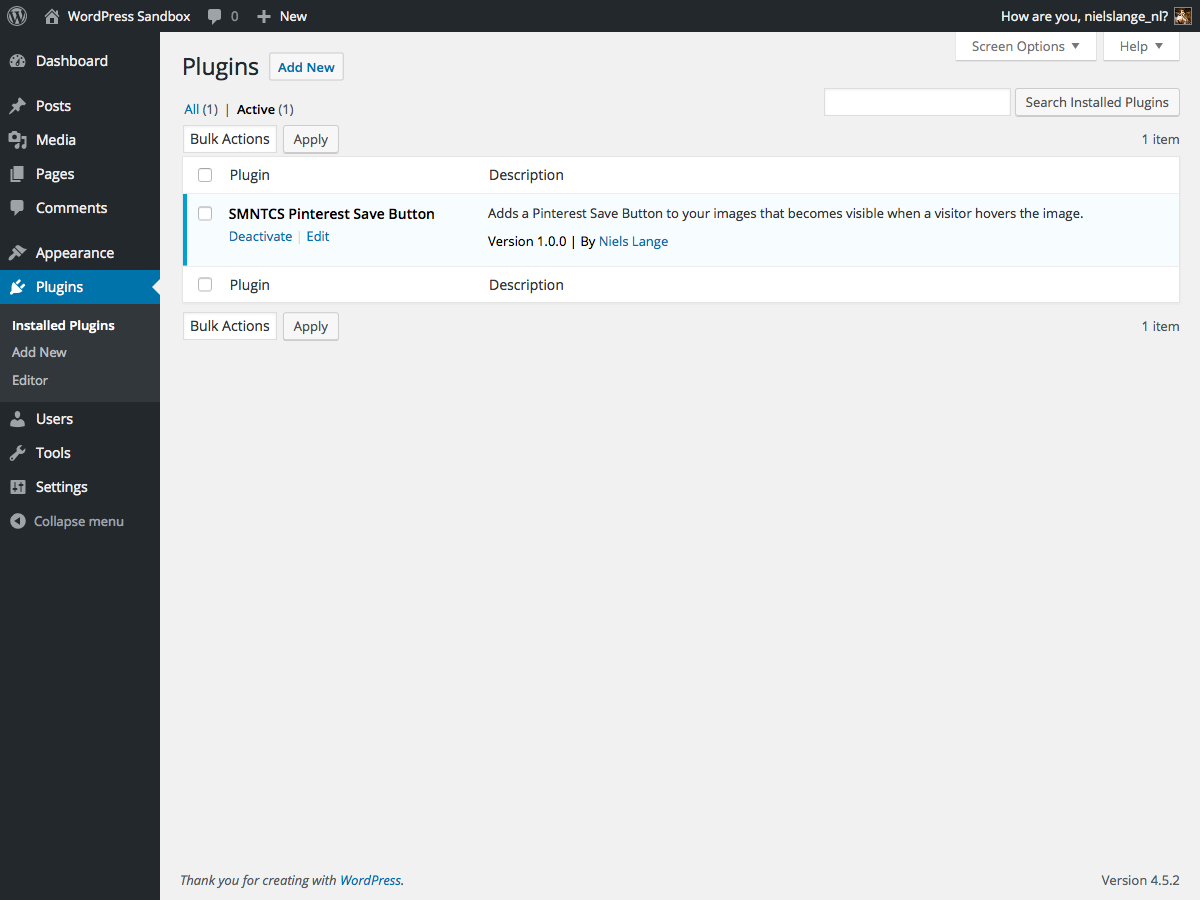
Pluginsmenu in WordPress. - Go to
Apperance»Customize. - Activate the Pinterest Save Button.
- Adjust settings based on your needs.
ਸਮੀਖਿਆਵਾਂ
There are no reviews for this plugin.
ਯੋਗਦਾਨੀ ਤੇ ਵਿਕਾਸਕਾਰ
“SMNTCS Pinterest Save Button” is open source software. The following people have contributed to this plugin.
ਯੋਗਦਾਨੀ
“SMNTCS Pinterest Save Button” has been translated into 4 locales. Thank you to the translators for their contributions.
“SMNTCS Pinterest Save Button” ਦਾ ਆਪਣੀ ਭਾਸ਼ਾ ਵਿੱਚ ਅਨੁਵਾਦ ਕਰੋ।
ਵਿਕਾਸ ਕਾਰਜ ਵਿੱਚ ਰੁਚੀ ਰੱਖਦੇ ਹੋ?
Browse the code, check out the SVN repository, or subscribe to the development log by RSS.
ਤਬਦੀਲੀ-ਚਿੱਠਾ
1.8 (2025.03.23)
- Test up to WordPress 6.8
1.7 (2023.12.24)
- Test up to WordPress 6.4
1.6 (2022.12.03)
- Test up to WordPress 6.1
1.5 (2020.01.02)
- Test up to WordPress 5.3
1.4 (2019.12.30)
- Test up to WordPress 5.2
1.3 (2019.06.30)
- Test up to WordPress 5.1
1.2 (2019.02.19)
- Correct text domain
1.1 (2019.01.14)
- Add text domain
1.0 (2016.07.20)
- Initial release