

ਵੇਰਵਾ
When you’re showing grouped content in rows (e.g. blog posts, products, feature sets), it’s almost inevitable that variations in content lengths will throw off your layout.
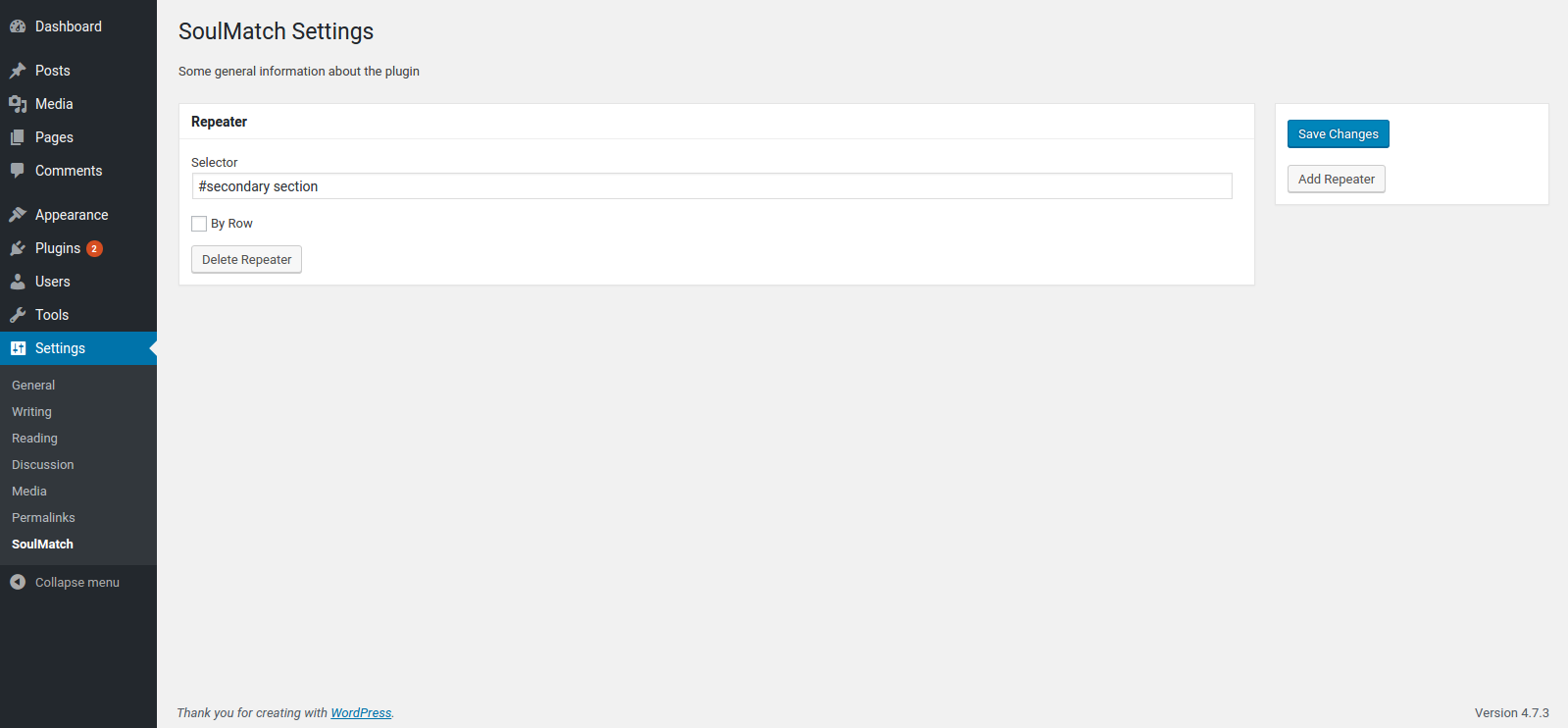
SoulMatch helps you equalize the heights of your elements so that everything hangs together nicely, even when the page is resized. Simply provide a CSS selector (class, id, etc.) and the plugin will do the rest.
ਸਕਰੀਨਸ਼ਾਟ
ਸਥਾਪਤੀਕਰਨ
- Upload the plugin files to the
/wp-content/plugins/soulmatchdirectory, or install the plugin through the WordPress plugins screen directly. - Activate the plugin through the ‘Plugins’ screen in WordPress
- Use the
Settings -> SoulMatchscreen to configure the plugin
ਅਕਸਰ ਪੁੱਛੇ ਜਾਂਦੇ ਸਵਾਲ
- Installation Instructions
-
- Upload the plugin files to the
/wp-content/plugins/soulmatchdirectory, or install the plugin through the WordPress plugins screen directly. - Activate the plugin through the ‘Plugins’ screen in WordPress
- Use the
Settings -> SoulMatchscreen to configure the plugin
- Upload the plugin files to the
- How do I make this plugin work?
-
Go to
WP Admin > Settings > SoulMatchand define CSS selectors for the elements you want to equalize.
ਸਮੀਖਿਆਵਾਂ
There are no reviews for this plugin.
ਯੋਗਦਾਨੀ ਤੇ ਵਿਕਾਸਕਾਰ
“SoulMatch” is open source software. The following people have contributed to this plugin.
ਯੋਗਦਾਨੀ

“SoulMatch” ਦਾ ਆਪਣੀ ਭਾਸ਼ਾ ਵਿੱਚ ਅਨੁਵਾਦ ਕਰੋ।
ਵਿਕਾਸ ਕਾਰਜ ਵਿੱਚ ਰੁਚੀ ਰੱਖਦੇ ਹੋ?
Browse the code, check out the SVN repository, or subscribe to the development log by RSS.
ਤਬਦੀਲੀ-ਚਿੱਠਾ
0.1.1
- add .filter(‘:visible’) for better matching
- add a hook to re-match on window resize event
0.1.0
- first version to be submitted to wordpress.org