

ਵੇਰਵਾ
SlotMaster – Banner & Ad Manager allows you to manage advertisements from a single dashboard. Supports Google AdSense, Google Ad Manager (GAM), image ads, video ads, affiliate ads, and custom HTML ads.
Features
- Unlimited Ad Blocks – Create unlimited ads of any type
- Google AdSense – Full support for AdSense with Auto Ads and code generator
- Google Ad Manager – GPT tags, ad units, responsive ads, lazy loading
- Multiple Ad Types – HTML, Image, Video, Affiliate, Amazon, Media.net
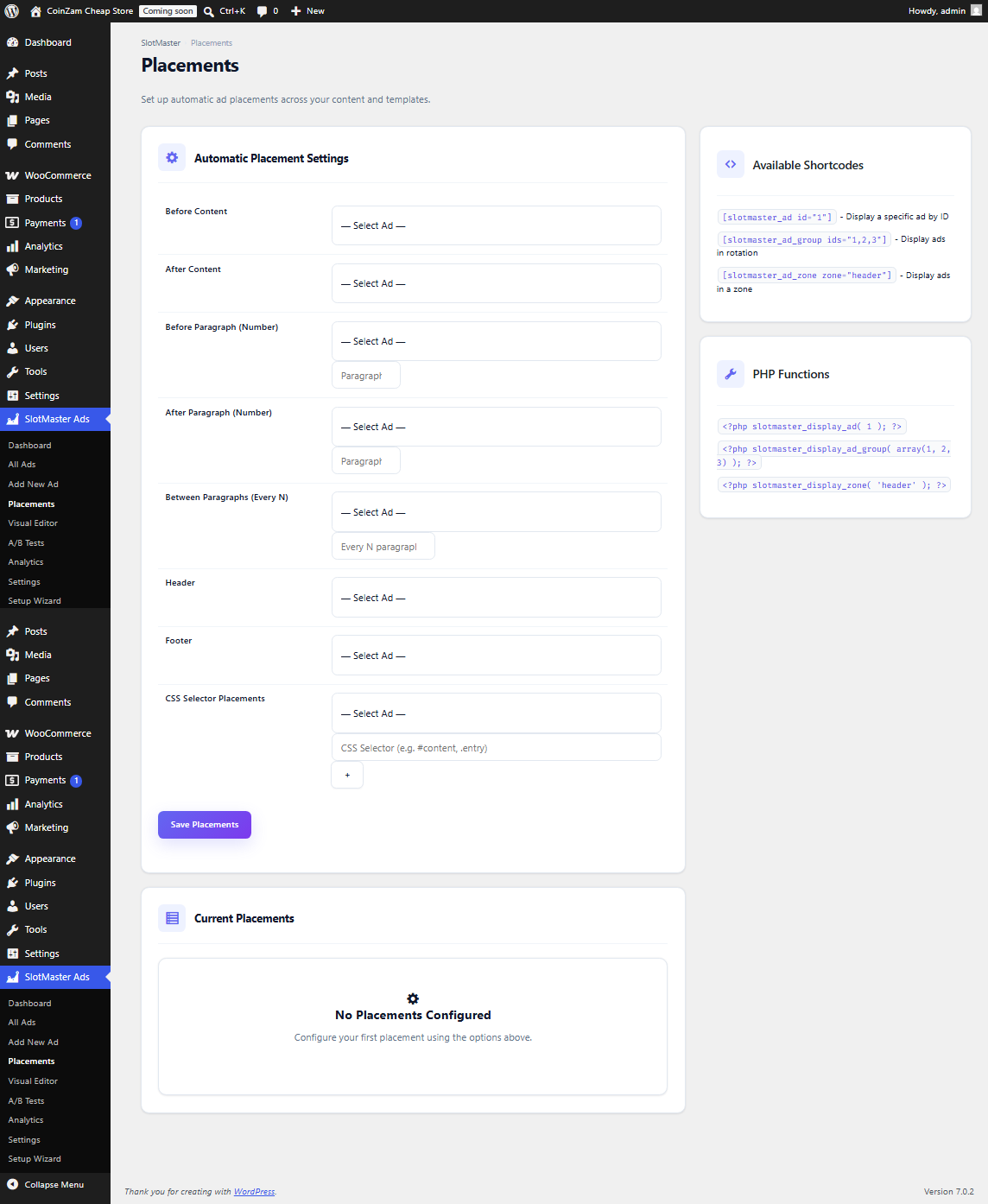
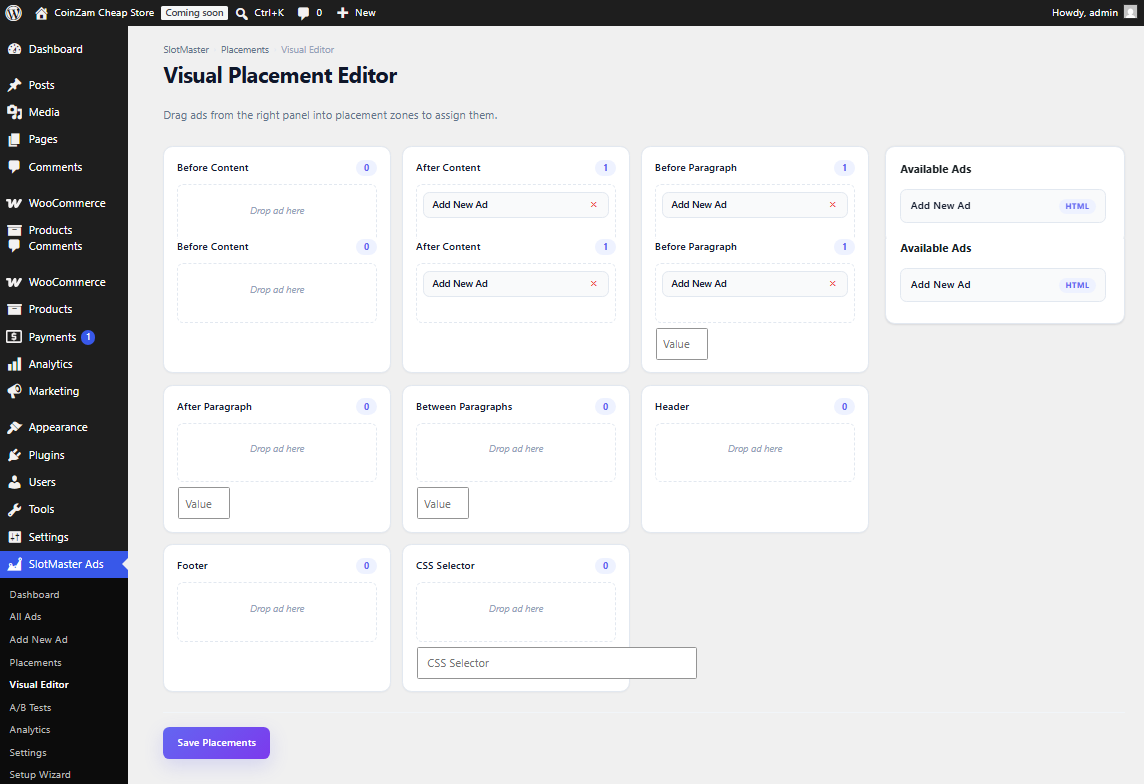
- Automatic Placement – Before/after content, paragraphs, CSS selectors, hooks
- Advanced Targeting – Device, browser, OS, URL, user role, cookie targeting
- Ad Rotation – Random, sequential, weighted rotation with scheduling
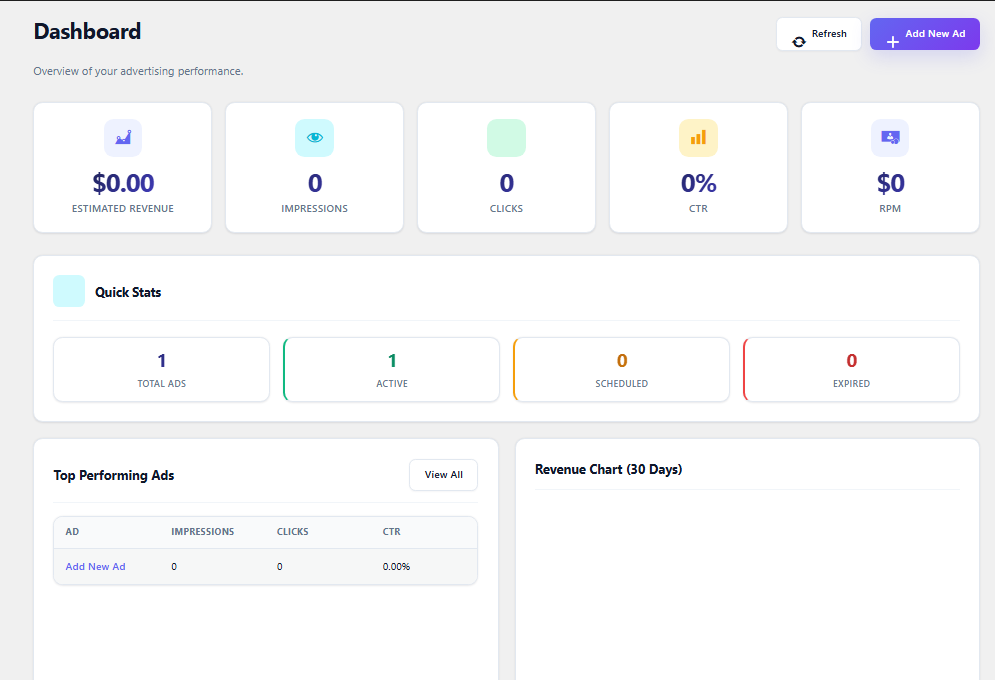
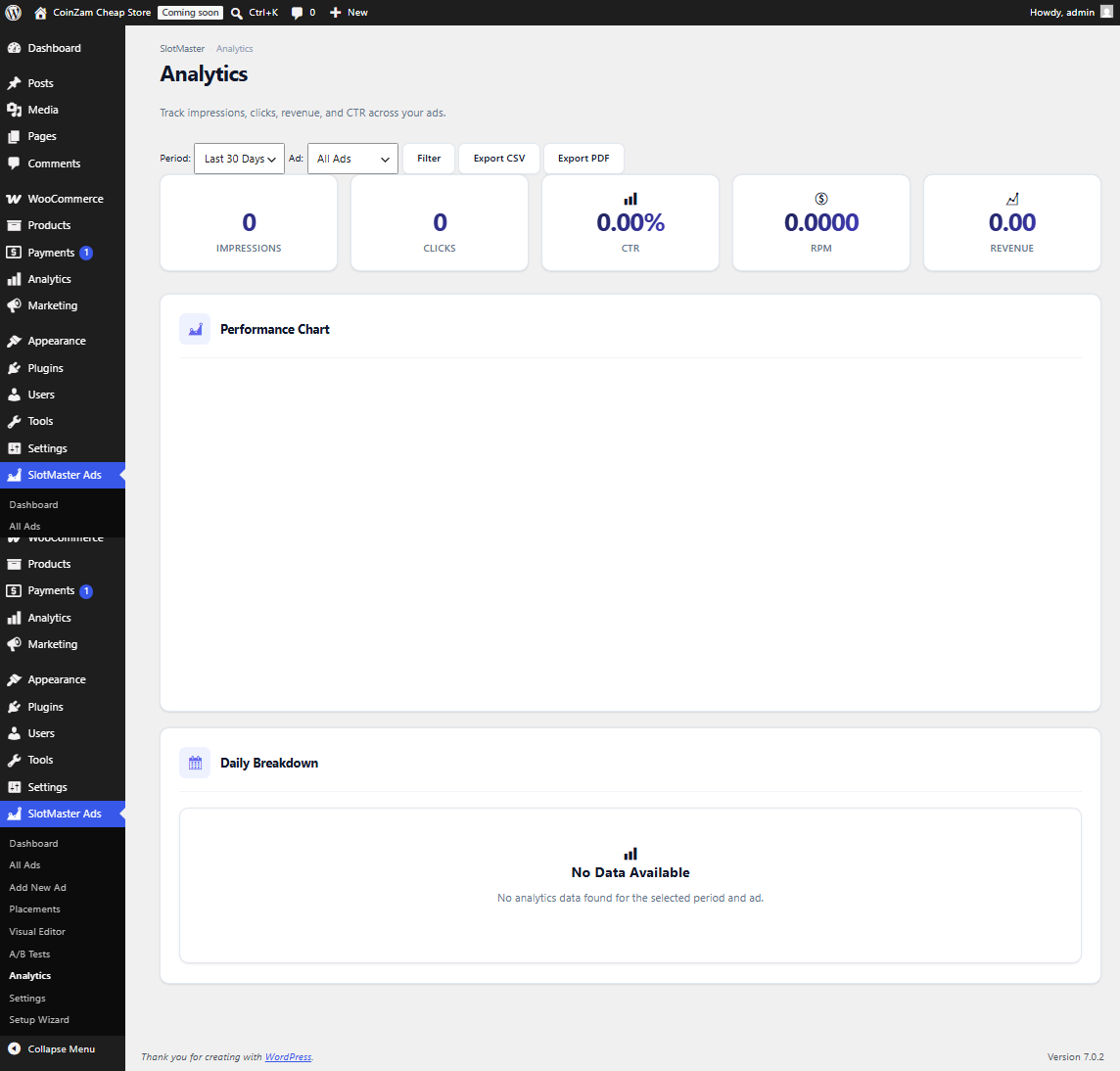
- Analytics Dashboard – Interactive Chart.js charts with impressions, clicks, revenue, CTR, RPM
- Sticky Ads – Floating bottom, top, sidebar, slide-in, corner ads
- Popup Ads – Timed, scroll, exit-intent popups
- Video Ads – YouTube, Vimeo, self-hosted video ad support
- Ad Blocker Detection – Detection with custom messages
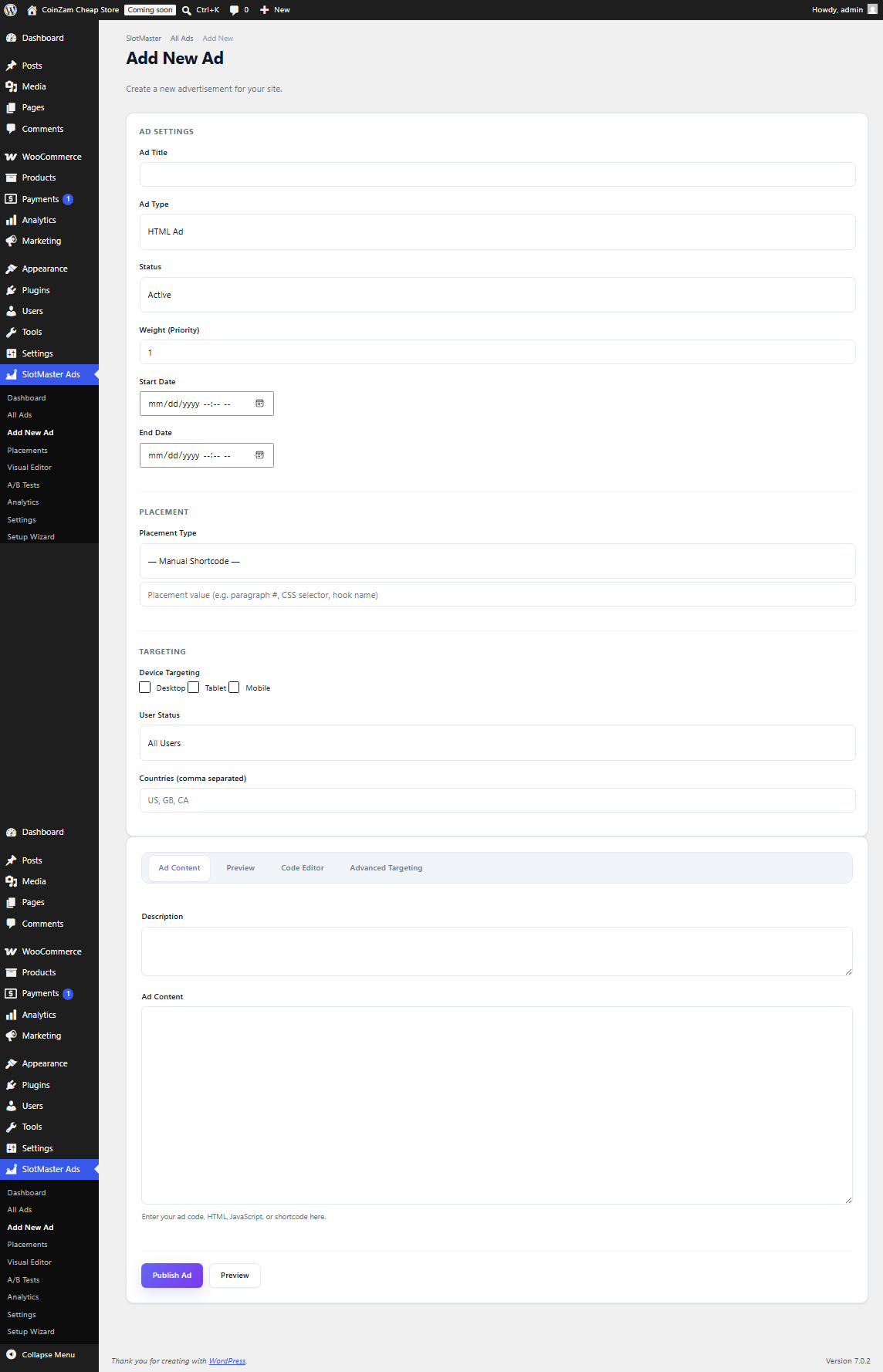
- Live Ad Preview – Real-time preview with Desktop/Tablet/Mobile device toggles
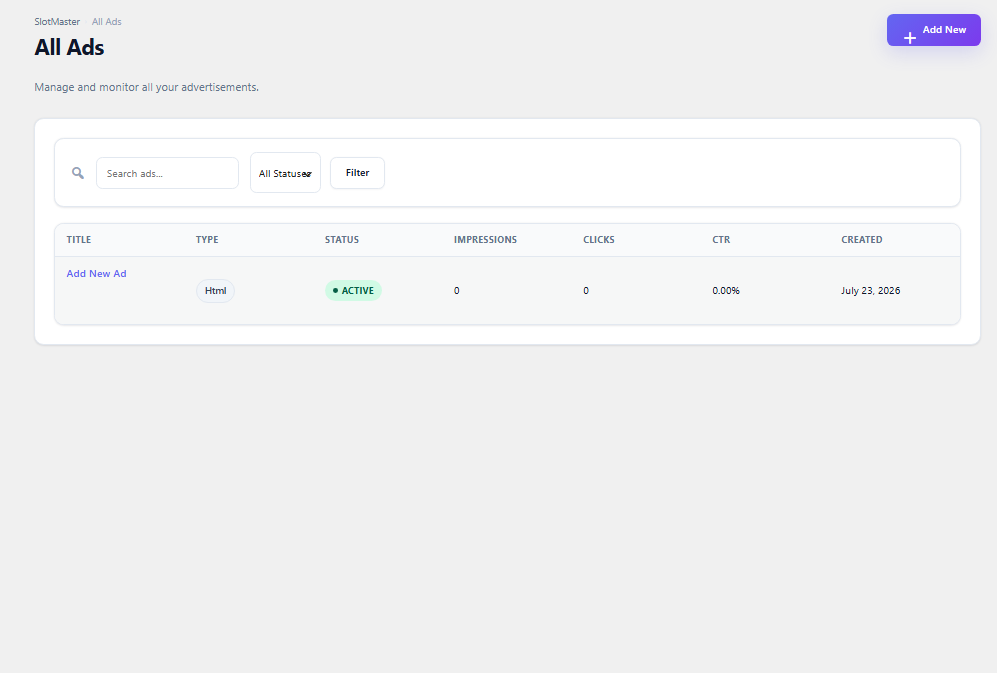
- Bulk Actions – Select and activate, deactivate, or delete multiple ads at once
- Visual Placement Cards – Icon-based placement selector for intuitive setup
- Gutenberg Blocks – Ad block, banner block, ad group block
- Elementor Widgets – Ad widget, banner widget, GAM widget
- WooCommerce Integration – Full settings UI for product pages, archives, and product tab ads
- Enhanced Shortcodes –
[slotmaster_ad]with align, class, before, after, fallback attributes - REST API – Full CRUD for ads and placements, bulk operations
- Multisite Support – Network-wide ads with site-level overrides
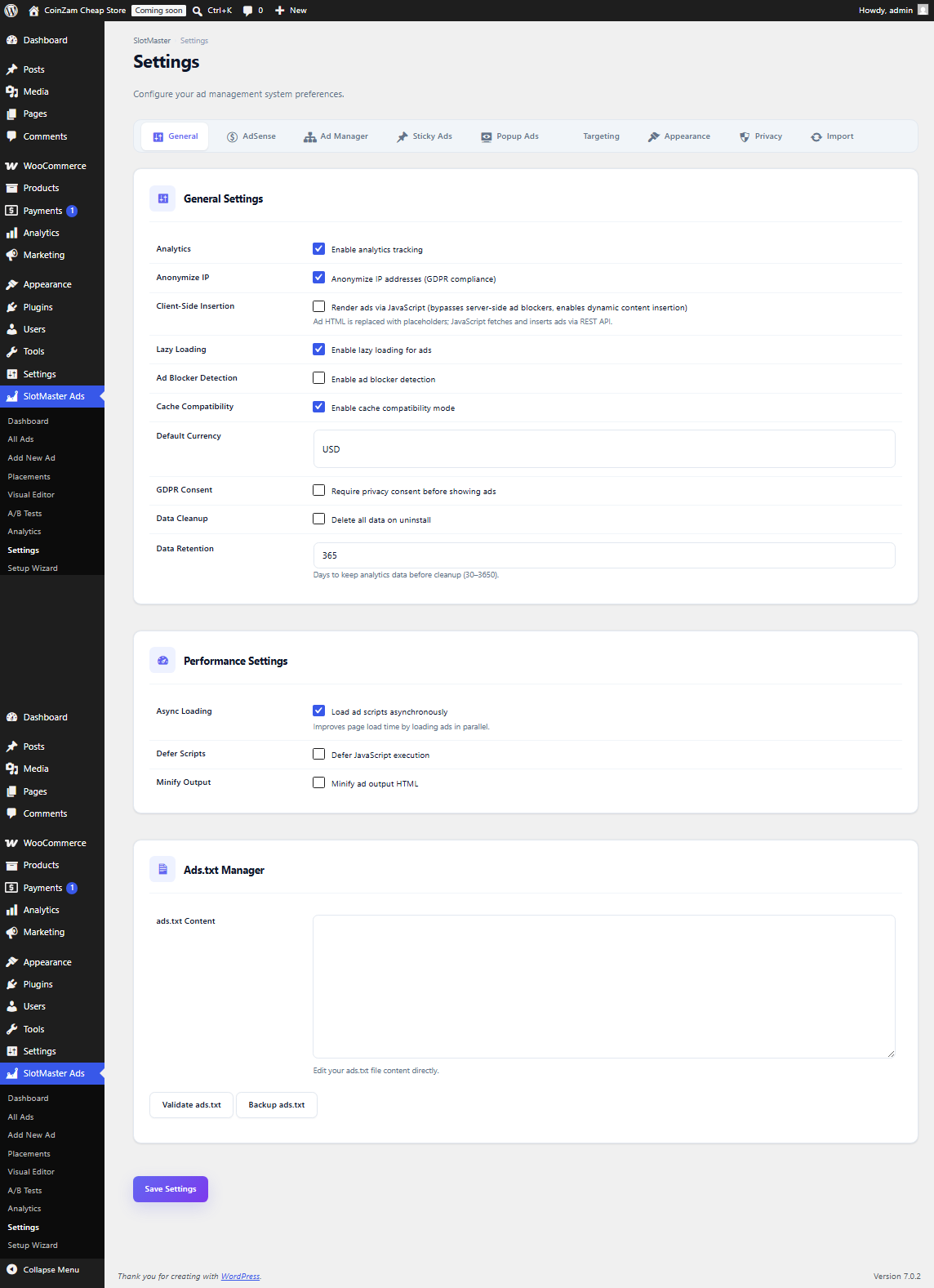
- Performance Optimized – Lazy loading, async loading, cache compatible
- Import/Export – CSV and JSON import/export
- WP-CLI – Command line interface
- Toast Notifications – Instant feedback for admin actions
- Animated Counters – Dashboard stat cards animate on page load
External Services
This plugin integrates with the following external services:
-
Google AdSense – Used to display advertisements from Google’s ad network. Requires a Google AdSense account and publisher ID.
- What is used: Publisher ID, ad configuration
- Data sent: Ad requests to Google’s servers (standard AdSense behavior)
- When: When displaying AdSense ads
- Privacy Policy: https://policies.google.com/privacy
- Terms of Service: https://policies.google.com/terms
-
Google Ad Manager (GAM) – Used to display advertisements from Google Ad Manager.
- What is used: Network code, ad unit configuration
- Data sent: Ad requests to Google’s servers (standard GAM behavior)
- When: When displaying GAM ads
- Privacy Policy: https://policies.google.com/privacy
- Terms of Service: https://policies.google.com/terms
ਸਕਰੀਨਸ਼ਾਟ
ਬਲਾਕ
This plugin provides 4 blocks.
- SlotMaster Ad Block
- SlotMaster Ad Group
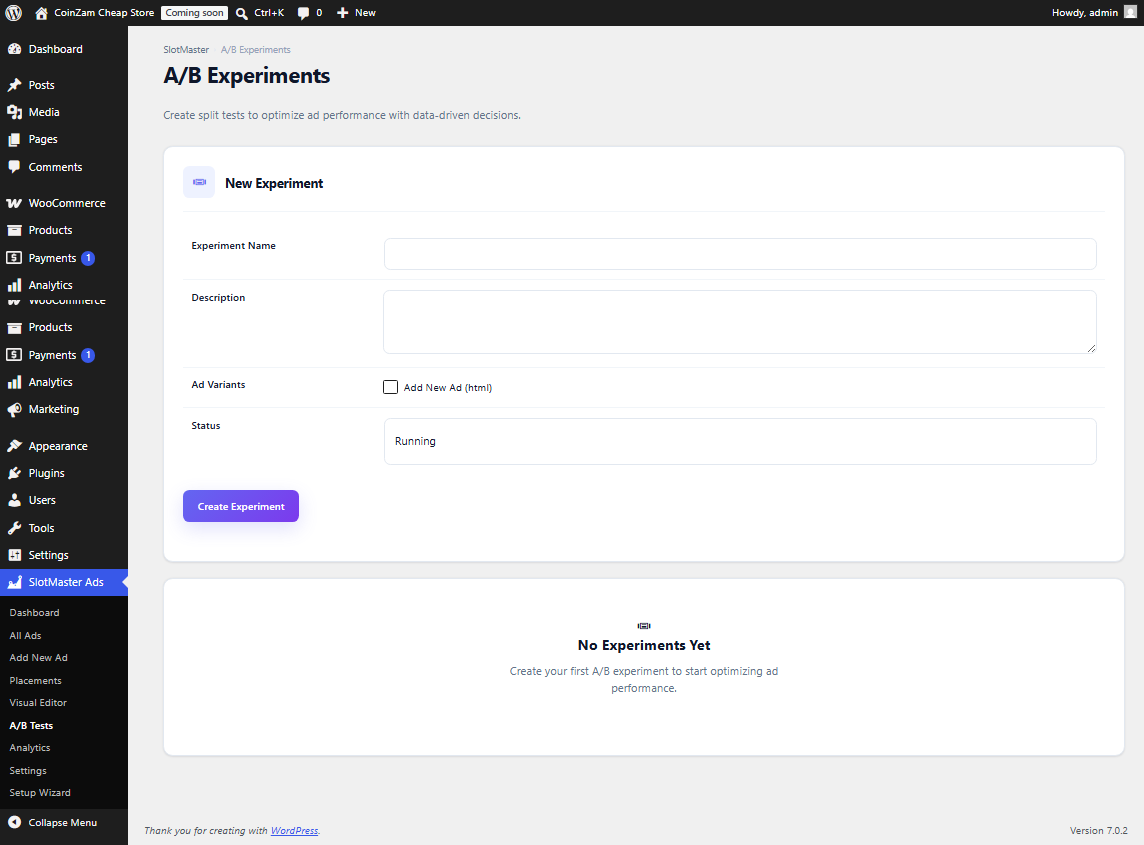
- SlotMaster Experiment
- SlotMaster Banner Block
ਸਥਾਪਤੀਕਰਨ
- Upload the
slotmaster-banner-ad-managerfolder to/wp-content/plugins/ - Activate the plugin through the Plugins screen
- Use the Setup Wizard or navigate to SlotMaster in your admin menu
- Create your first ad and choose where to display it
ਅਕਸਰ ਪੁੱਛੇ ਜਾਂਦੇ ਸਵਾਲ
-
How do I display an ad?
-
Use the shortcode
[slotmaster_ad id="1"]in your content, or set up automatic placement in the Placements page. You can also use[slotmaster_ad id="1" align="center" class="my-ad" before="<div class='wrapper'>" after="</div>" fallback="Ad not available"]for advanced control. -
Does this work with caching plugins?
-
Yes. SlotMaster is compatible with LiteSpeed Cache, WP Rocket, W3 Total Cache, FlyingPress, Autoptimize, and other caching plugins.
-
Can I use this with Google AdSense?
-
Yes. SlotMaster has Google AdSense integration including Auto Ads and code generation.
-
Is this plugin GDPR compliant?
-
Yes. You can enable IP anonymization and require user consent before displaying ads. The built-in consent banner supports Opt-in (GDPR), Opt-out (CCPA), and GDPR Strict modes.
-
How do I place ads with Elementor?
-
Use the SlotMaster widgets in Elementor: Ad, Banner, GAM Ad, AdSense, and Ad Group. Drag and drop them into your layout.
-
Can I manage WooCommerce ad placements?
-
Yes. Go to SlotMaster > Settings > WooCommerce Integration to configure ads before/after products, on shop archives, and in product tabs.
ਸਮੀਖਿਆਵਾਂ
There are no reviews for this plugin.
ਯੋਗਦਾਨੀ ਤੇ ਵਿਕਾਸਕਾਰ
“SlotMaster – Banner & Ad Manager” is open source software. The following people have contributed to this plugin.
ਯੋਗਦਾਨੀ
“SlotMaster – Banner & Ad Manager” ਦਾ ਆਪਣੀ ਭਾਸ਼ਾ ਵਿੱਚ ਅਨੁਵਾਦ ਕਰੋ।
ਵਿਕਾਸ ਕਾਰਜ ਵਿੱਚ ਰੁਚੀ ਰੱਖਦੇ ਹੋ?
Browse the code, check out the SVN repository, or subscribe to the development log by RSS.
ਤਬਦੀਲੀ-ਚਿੱਠਾ
1.0.1
- Fixed critical fatal error in consent mode that could break frontend ad display
- Fixed duplicate compat class that was never loaded (merged into single file)
- Fixed analytics SQL query to properly aggregate data when viewing all ads
- Added Chart.js integration for interactive dashboard and analytics charts
- Added live ad preview with real-time content updates and device preview toggles
- Added bulk actions (activate, deactivate, delete) for the ads list
- Added visual placement cards with icons and descriptions
- Added WooCommerce settings UI in the Settings page
- Added enhanced shortcode attributes: align, class, before, after, fallback
- Added REST API endpoints for placement CRUD and bulk ad operations
- Added toast notification system for admin actions
- Added animated counters on dashboard stat cards
- Added FlyingPress, W3 Total Cache, and LiteSpeed ESI cache compatibility
1.0.0
- Initial release of SlotMaster – Banner & Ad Manager
- Complete platform rewrite with modern architecture
- Security improvements: sanitization, escaping, nonces, capability checks
- Performance optimizations
- Automatic data migration from previous installations